Onmind AI runs on your Apple Silicon Neural Engine, not a server. Version 2.1 gives it tools it can actually use and skills that teach it your recurring work, so it answers from your calendar, contacts and documents instead of guessing. Still 100% offline.
Built-In Skills
On-Device Tools
Network Requests
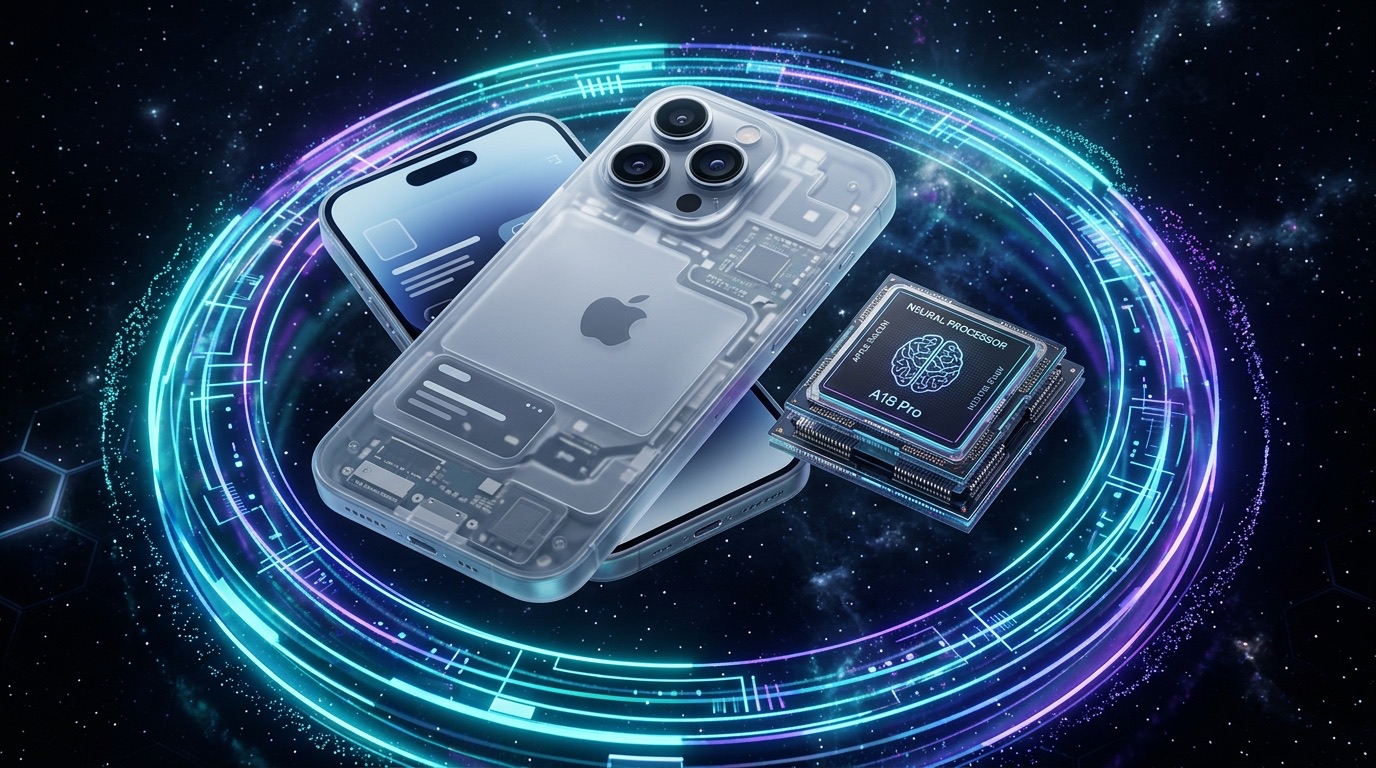
Built for Apple Intelligence and M-series silicon. Everything below happens on the device in your hand, with no server in the loop and nothing to opt out of.
Swift 6 actor runs local foundation models directly on Apple Silicon with 48.5+ tokens/second streaming inference.
Nine on-device tools: calculator, unit and currency conversion, date and time, calendar, reminders, contacts, document search and memory. Each one names itself in the reply, so you can see what the answer was built from.
Short instruction sets for recurring work such as meeting prep, a weekly review or a trip plan. They ship inside the app as plain text, collect nothing, and a skill whose tools your device does not have is hidden rather than run.
Import PDFs and notes to index semantic embeddings locally. Ask natural language questions with page-level citations.
Scan handwritten notes and receipts using Apple Vision to extract structured text instantly on device.
Hardware Secure Enclave encryption locks conversations behind Face ID & Touch ID authentication.
Dictate queries and receive haptic audio answers directly from your Apple Watch Ultra wrist.
One purchase covers iPhone, iPad and Apple Watch. The Mac app is with App Review now and joins the same purchase when it lands, with file search, clipboard and Shortcuts added to the tool set.
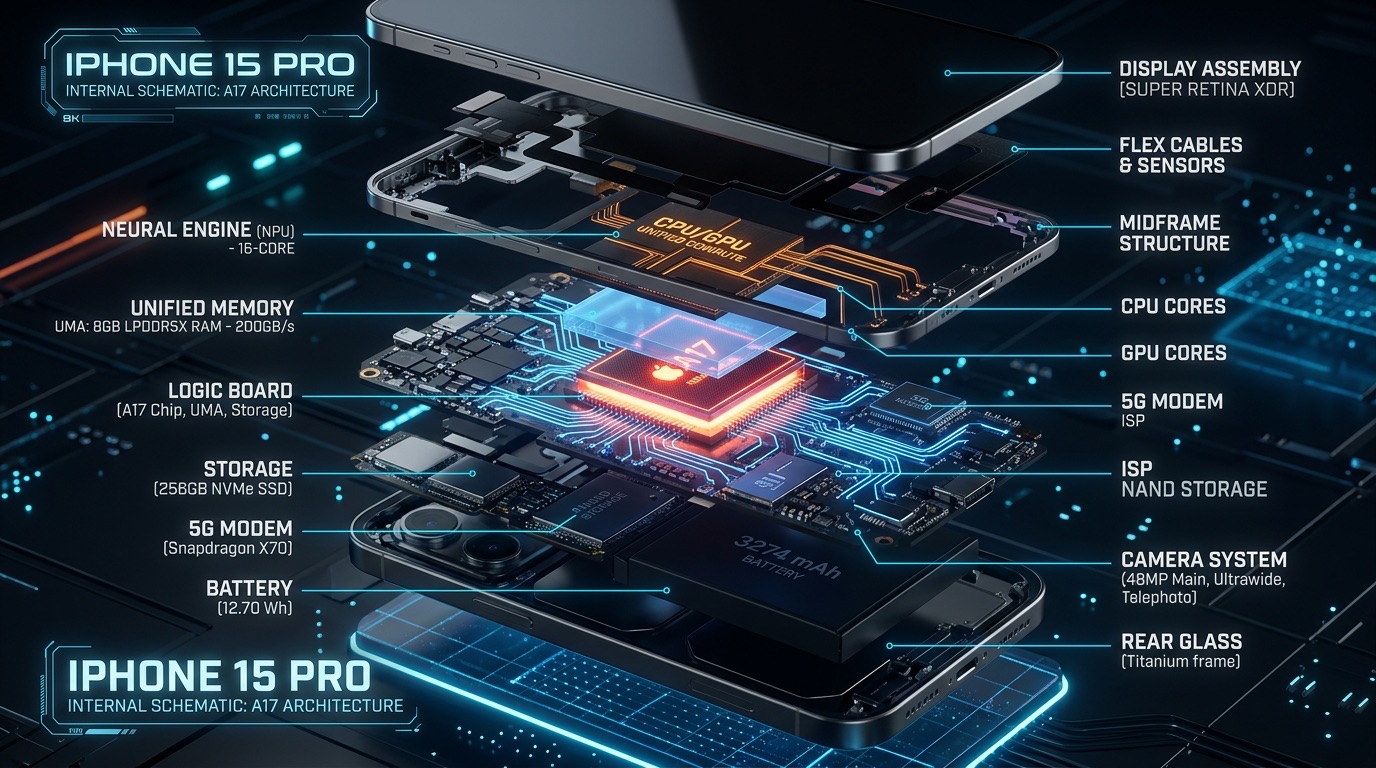
Onmind AI bypasses remote cloud servers entirely. By executing weight matrices directly across Apple Silicon's 16-Core Neural Engine and Unified Memory Architecture (UMA), your phone streams response tokens at up to 48.5+ tokens/second while preserving 100% offline privacy.
Conversations are secured inside Apple's Hardware Secure Enclave using AES-256 hardware-key encryption, ensuring your data remains private even if your phone is unlocked.
Available on iPhone, iPad, and Mac.
Get Onmind AI on the App Store Onmind Studios